
Download OmmWriter – Distraction‑Free Writing Tool for Windows, Mac, iOS & Android
Why OmmWriter Stands Out in a Crowded Writing‑Tool Market
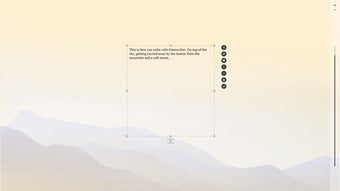
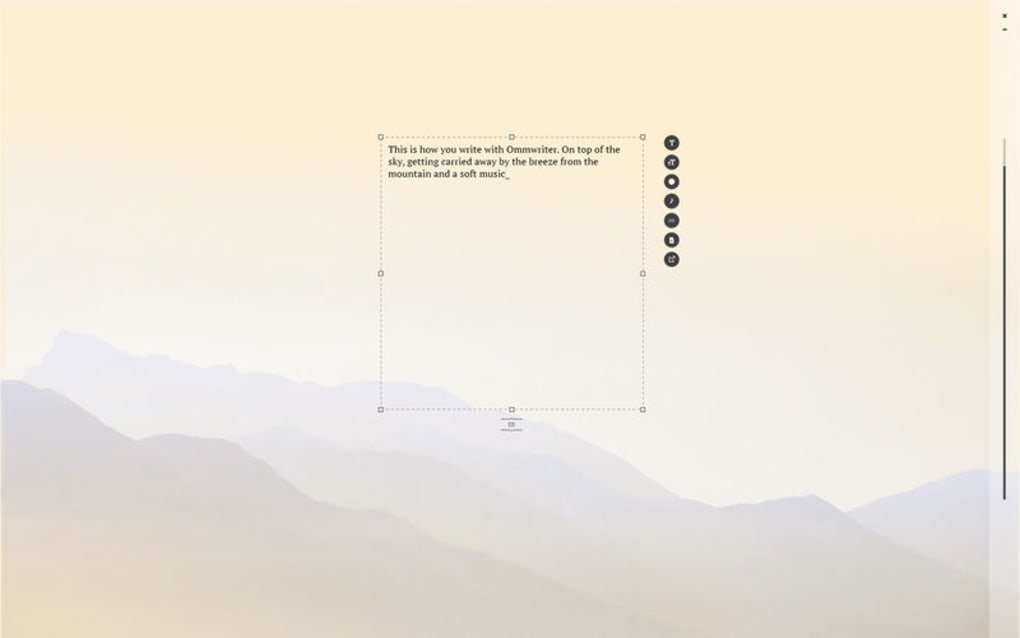
In an age where notifications, tabs, and multitasking dominate our screens, OmmWriter offers a sanctuary for writers who crave focus. The application is built around a single, clear premise: strip away every visual and auditory clutter that can pull you away from the page, and replace it with a calm, immersive environment that encourages deep concentration. Unlike conventional word processors that are packed with menus, toolbars, and a myriad of formatting options, OmmWriter adopts a minimalist design that darkens the rest of your desktop, allowing the text area to become the sole point of attention.
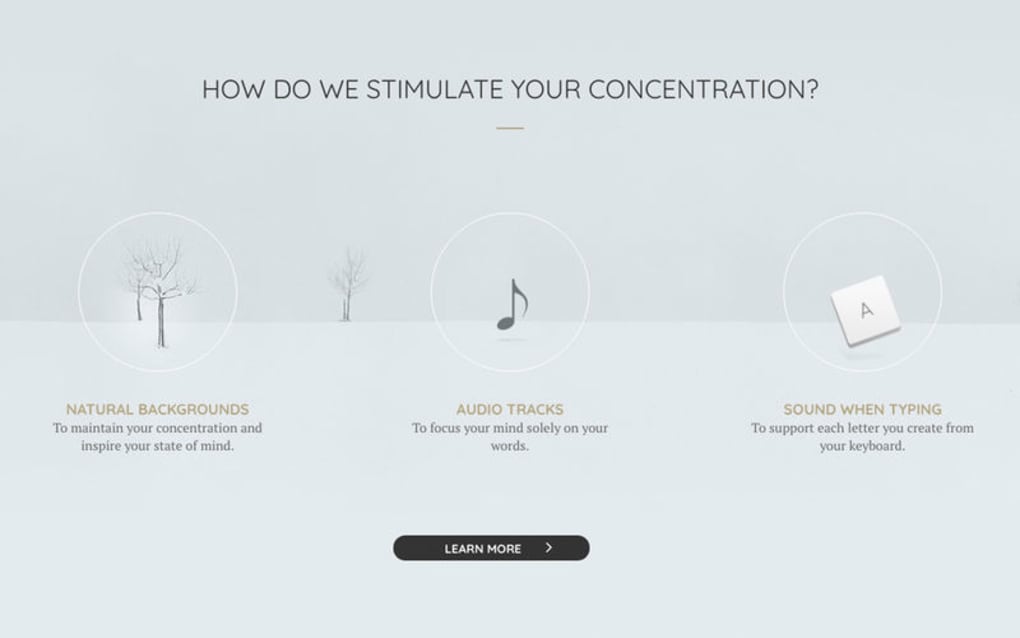
The developers behind OmmWriter deliberately limited functionality to create a space where thoughts can flow uninterrupted. This “less is more” philosophy resonates with authors, journalists, students, and anyone who writes for long stretches. By providing soothing background sounds—such as rain, ocean waves, or a crackling fireplace—and a selection of subtle visual themes, the app taps into the psychological principle that ambient stimuli can enhance creativity and reduce anxiety. The result is a writing experience that feels almost meditative, letting you recapture the days when a writer would sit down with a notebook and a quiet room, free from the constant buzz of modern technology.
While the tool’s simplicity is its greatest strength, it also means that power users may miss out on advanced formatting, export options, or granular control over the audio‑visual elements. Nevertheless, for the majority of users who prioritize focus over fancy features, OmmWriter delivers on its promise: a distraction‑free canvas that helps you write more, think clearer, and finish projects faster.
Core Features That Make OmmWriter a Powerful Concentration Aid
Feature Overview
- Full‑Screen Distraction‑Free Mode: The app expands to fill the screen, dimming everything else and centering the text area.
- Ambient Sound Library: Choose from rain, forest, ocean, fireplace, and more; each sound loops seamlessly to maintain a calm atmosphere.
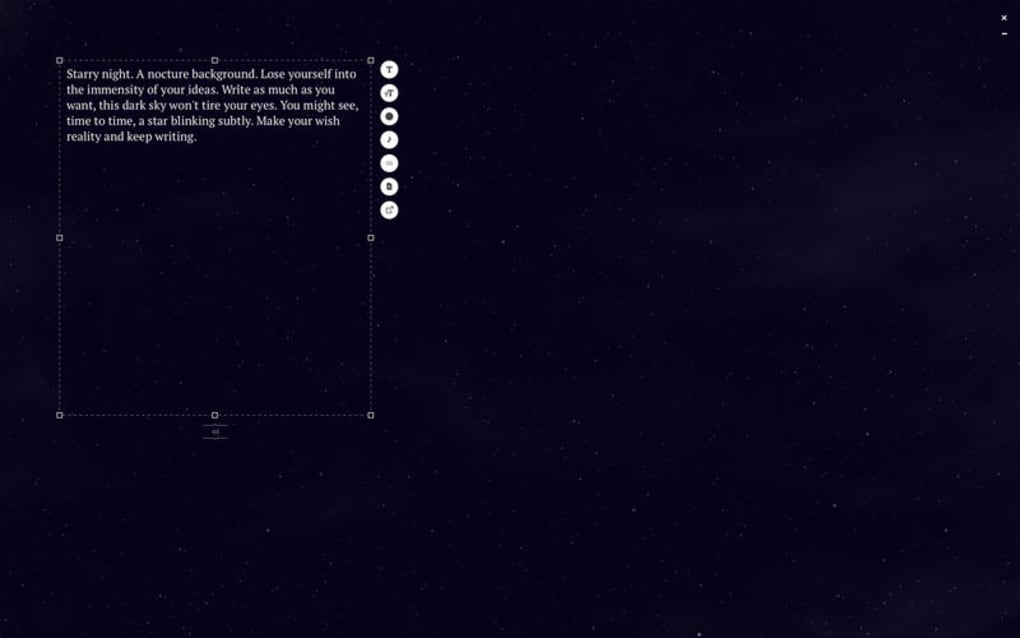
- Customizable Visual Themes: Minimalist backgrounds such as parchment, dark paper, and soft gradients that can be switched with a single click.
- Auto‑Save & Cloud Sync: Your work is saved automatically and can be synced across devices via Dropbox or Google Drive.
- Keyboard‑Only Navigation: All commands can be executed without leaving the keyboard, preserving flow.
- Export Options: Save your manuscript as plain text (.txt) or Rich Text Format (.rtf) for easy import into other editors.
- Focus Timer: Built‑in Pomodoro‑style timer helps you work in structured bursts while the app remains locked in focus mode.
- Cross‑Platform Availability: Native apps for Windows, macOS, iOS, and Android ensure a consistent experience on any device.
Each of these features is designed to serve a single purpose: keep you anchored to your words. The ambient sound library, for instance, isn’t just a novelty; research shows that low‑level background noises can improve concentration by masking sudden interruptions. The visual themes are deliberately low‑contrast, preventing eye strain during marathon writing sessions. Meanwhile, the auto‑save function eliminates the anxiety of losing progress, allowing you to stay immersed without worrying about manual backups.
The Focus Timer is a subtle yet powerful addition for writers who thrive on structured work intervals. By setting a timer, the app gently reminds you when it’s time to take a short break, a technique proven to boost productivity and reduce mental fatigue. Even though OmmWriter’s export capabilities are limited compared to full‑featured word processors, the plain‑text and RTF formats ensure compatibility with virtually any downstream editing software, making the transition from brainstorming to final polishing seamless.
Step‑by‑Step Installation & Usage Guide
Downloading and Installing OmmWriter
Getting started with OmmWriter is straightforward. Follow these steps for a smooth installation on your preferred platform:
- Visit the official OmmWriter website or the appropriate app store (Microsoft Store, Mac App Store, Google Play, or Apple App Store).
- Click the Download or Get button. The installer file (
.exefor Windows,.dmgfor macOS, or the respective mobile package) will begin downloading. - Once downloaded, run the installer. Windows users will see a standard setup wizard; macOS users will need to drag the OmmWriter icon into the Applications folder.
- After installation, launch the app. The first launch may prompt you to allow access to your microphone if you wish to use custom ambient sounds.
First‑Time Configuration
When OmmWriter opens for the first time, you’ll be greeted by a simple welcome screen offering a quick tour. Accept the default settings or customize the following options:
- Default Theme: Choose a visual background that feels comfortable for long‑term reading.
- Preferred Ambient Sound: Select a sound that best matches your working environment. You can adjust volume independently of your system volume.
- Auto‑Save Frequency: Set how often the app writes changes to disk (every 30 seconds is the default).
Effective Writing Workflow
To maximize focus, start a new document by pressing Ctrl+N (Windows) or ⌘+N (macOS). The app immediately switches to full‑screen mode, dimming everything else. Begin typing; the auto‑save feature works silently in the background. If you need to insert a line break without breaking the flow, use Shift+Enter to create a soft return. When you’re ready to pause, press Esc to exit full‑screen mode while keeping the document open for later edits.
For users who prefer to organize their work, OmmWriter allows you to create folders within the app’s file browser. Drag and drop files to reorder them, and rename documents directly from the interface. When your session is complete, export the file via Ctrl+S (or the mobile share icon) and choose either .txt or .rtf as the output format.
Compatibility, System Requirements & Technical Details
Supported Platforms: OmmWriter runs natively on Windows 10/11 (64‑bit), macOS 10.14 Mojave or later, iOS 13+, and Android 8.0+. The app is optimized for both desktop and mobile environments, ensuring a consistent distraction‑free experience regardless of the device you use.
Hardware Recommendations: While OmmWriter is lightweight, a modern processor (Intel i5 / AMD Ryzen 5 or newer) and at least 4 GB of RAM will guarantee smooth performance, especially when using high‑quality ambient sound loops. On mobile, any device with 2 GB of RAM and a recent operating system version will handle the app without lag.
Software Dependencies: No additional runtimes or plugins are required. The Windows version includes a bundled .NET runtime, and the macOS version is signed with Apple’s notarization service for security. The mobile apps use native frameworks (Swift for iOS, Kotlin for Android) to maintain low memory usage.
Security & Privacy: OmmWriter respects user privacy. The app does not collect personal data beyond optional cloud‑sync credentials (Dropbox, Google Drive). All sync traffic is encrypted via TLS 1.2, and local files are stored in user‑accessible directories, giving you full control over your manuscripts.
Updates & Support: The development team releases regular updates that address minor bugs, improve audio quality, and add new visual themes. Users receive automatic notifications for updates through the respective app stores, ensuring a secure and up‑to‑date writing environment.
Pros, Cons, Frequently Asked Questions & Final Verdict
Pros
- Ultra‑minimalist interface that eliminates visual distractions.
- High‑quality ambient sound library promotes a calming atmosphere.
- Cross‑platform support ensures seamless workflow across devices.
- Auto‑save and cloud‑sync features protect your work without extra effort.
- Focus timer helps maintain productive writing intervals.
Cons
- Limited formatting options; no support for headings, lists, or styles.
- Export formats are restricted to plain text and RTF only.
- Audio and visual customization could be deeper (e.g., custom sound uploads).
- No built‑in spell‑check or grammar tools.
- Paid app; no free tier beyond a short trial period.
FAQ – Your OmmWriter Questions Answered
Is OmmWriter free to use?
OmmWriter offers a 14‑day trial that provides full access to all features. After the trial, you need to purchase a license (single‑user price $19.99) to continue using the app.
Can I import existing documents into OmmWriter?
Yes. OmmWriter can open plain‑text (.txt) and Rich Text Format (.rtf) files. Simply use the “Open” command or drag the file onto the app window.
Does OmmWriter work offline?
All core writing functions, including ambient sounds, work offline. Cloud sync requires an internet connection, but the app remains fully functional without it.
Can I customize the ambient sounds?
The built‑in library includes several themes, and you can adjust volume and loop length. However, importing custom audio files is not currently supported.
Is my data secure when using cloud sync?
Yes. All sync traffic is encrypted with TLS 1.2, and files are stored in your personal cloud account, not on OmmWriter’s servers.
Conclusion – Should You Download OmmWriter?
If your primary goal is to write without the constant pull of notifications, menus, and formatting distractions, OmmWriter is an excellent investment. Its minimalist design, soothing ambient sounds, and cross‑platform availability create a focused environment that many writers find transformative. While power users may miss advanced formatting tools, the app’s core strength lies in its ability to keep you in the zone, allowing ideas to flow uninterrupted. For anyone who values concentration over feature bloat, downloading OmmWriter today can be the first step toward a more productive writing practice.







